My issues with ProtonMail
I use my own domain for email, which I’d recommend to everyone. I was on a cheap Hetzner ‘web hosting with email’ plan before, which wasn’t ideal. During last November’s Black Friday sales I got a ProtonMail subscription and moved my domain there. But I’ve run into several issues, some with how their product works, others specific to my setup.
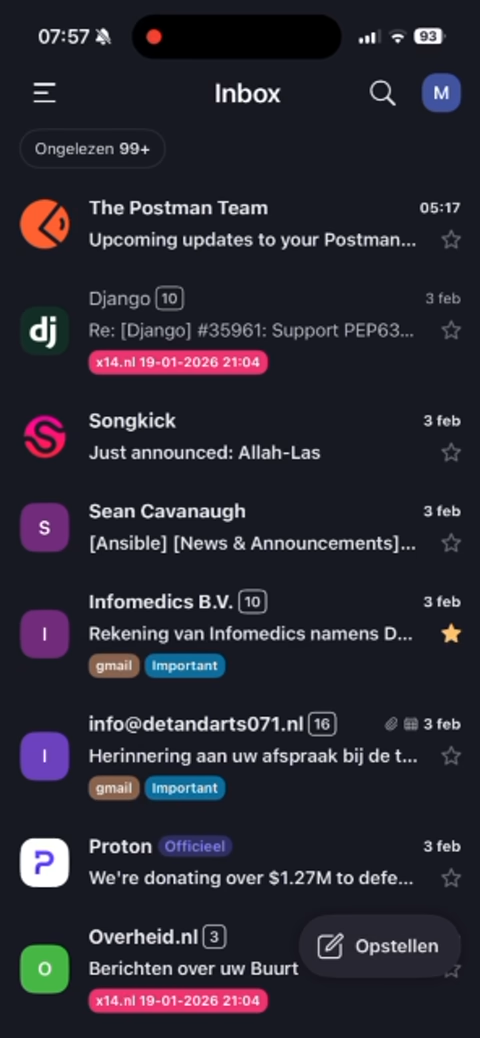
Can not open some mails on mobile
A small percentage of emails simply won’t open on iOS. When I tap them, the app briefly shows the subject, then closes. I can’t read the content. These same emails work fine in the web interface.
This is a serious problem: your mail client should be able to read mail! I haven’t been burned yet, but I worry about the day I need to show a boarding pass or concert ticket at the door and can’t open it.
I realized there is a workaround for this: opening the web interface in my mobile browser, but that’s far from ideal. ProtonMail has confirmed the issue and says they’re working on a fix.
Mail spoof warning does not show in mobile app
My employer recently switched payroll providers. ProtonMail warns that their mail server isn’t properly configured and the messages could be spoofed, yet coworkers on Gmail or Outlook see no such warning. After checking with our security officer, we concluded the mails are valid and ProtonMail is being overly cautious.
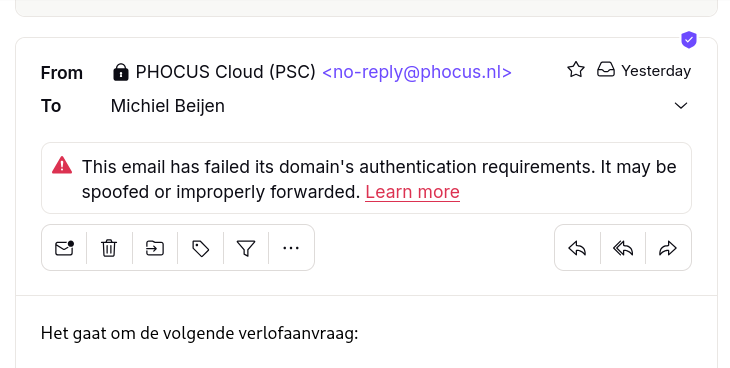
The strange part: this warning only appears in the web interface, not the iOS app, or on the Android app.
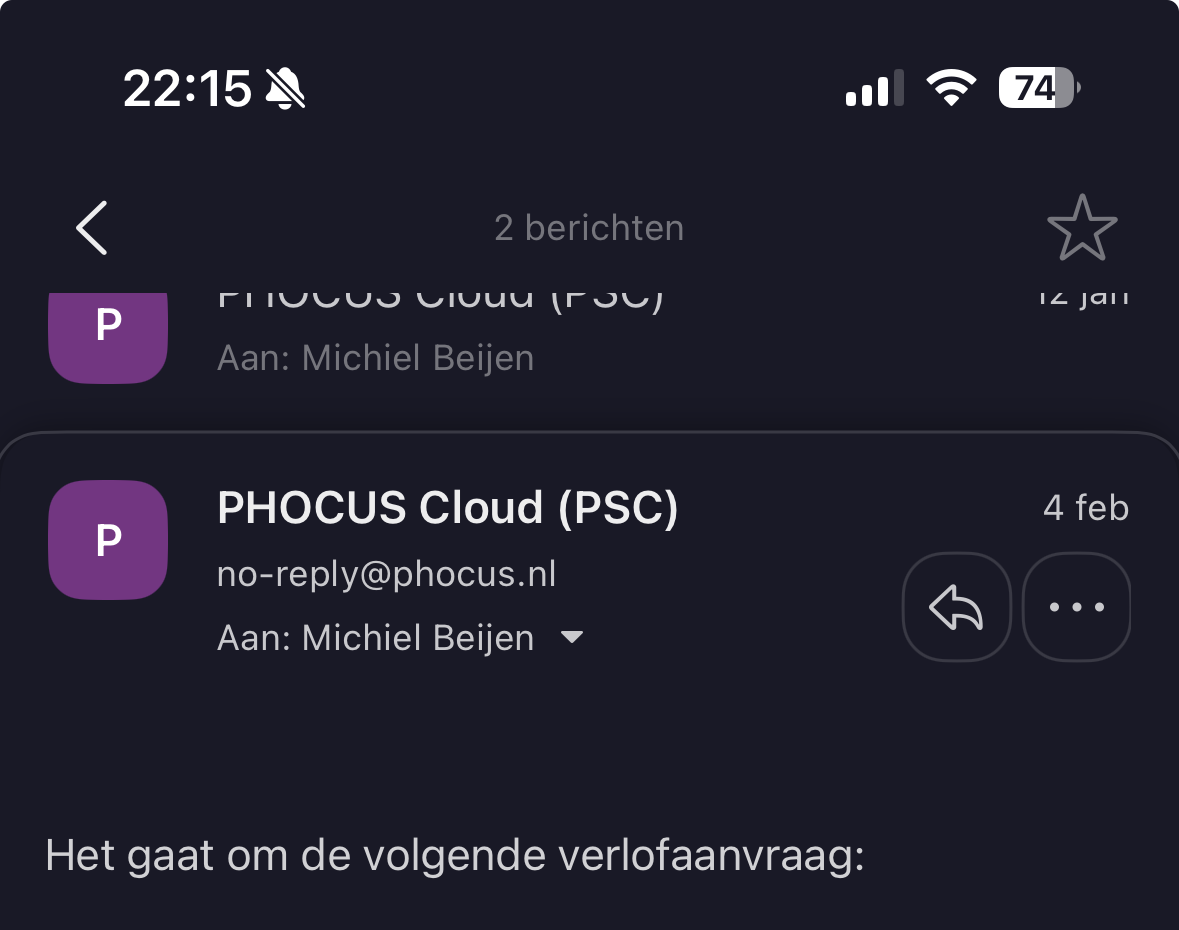
If there were an actual spoofing attempt, I’d want to know, especially on mobile! I’ve raised this issue with Proton support.
Mail read flags do not seem to sync between mobile and desktop
Emails I’ve read on my phone sometimes show up as unread in webmail later. Others on Reddit report the same thing, and Proton has confirmed they’re investigating. This is table-stakes stuff for a mail client.
Pulsating menu in ProtonMail
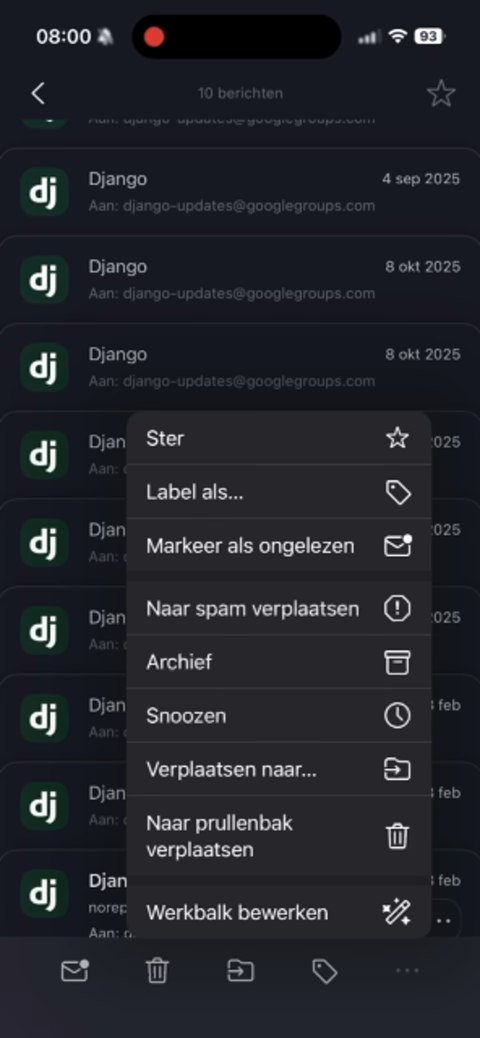
When I open the context menu in a message, it ‘pulsates’. A minor issue, but it’s been there for over two months, testament to the lack of polish in their apps. This only happens on iOS; a co-worker on Android doesn’t see it.
No third party mobile clients
ProtonMail encrypts all data at rest and decrypts on your device. Nice in theory, but it means no standard IMAP, so you can’t use your favorite mail client directly.
The workaround is installing the ProtonMail Bridge on your laptop, which decrypts locally and exposes IMAP for Thunderbird, Outlook, etc. But this doesn’t work on mobile. There you’re stuck with their app or the web interface.
I use Linux with ProtonMail in a browser tab; I don’t love the Bridge approach.
No instant search in webmail without local indexing
Another consequence of client-side decryption: search doesn’t just work. For full-text search, your browser has to download and index all your mail locally. This takes a long time initially.
Conclusion
I really want to love ProtonMail. They’re steward-owned, privacy-focused, European, and building out a full suite of products (VPN, calendar, etc.). But their core product is email, and it has too many rough edges. I expected better from a company that’s been around this long and is this popular. I’ll be migrating elsewhere soon.
That said, most of my issues are with the iOS app. Android users likely have a better experience.